Self-serve screens for every team on the property.
No IT ticket for a menu change. No adapter for a presentation.
Every screen on the property — lobby, restaurant, spa, event spaces — managed by the teams who actually run those spaces. Not by a ticketing system.
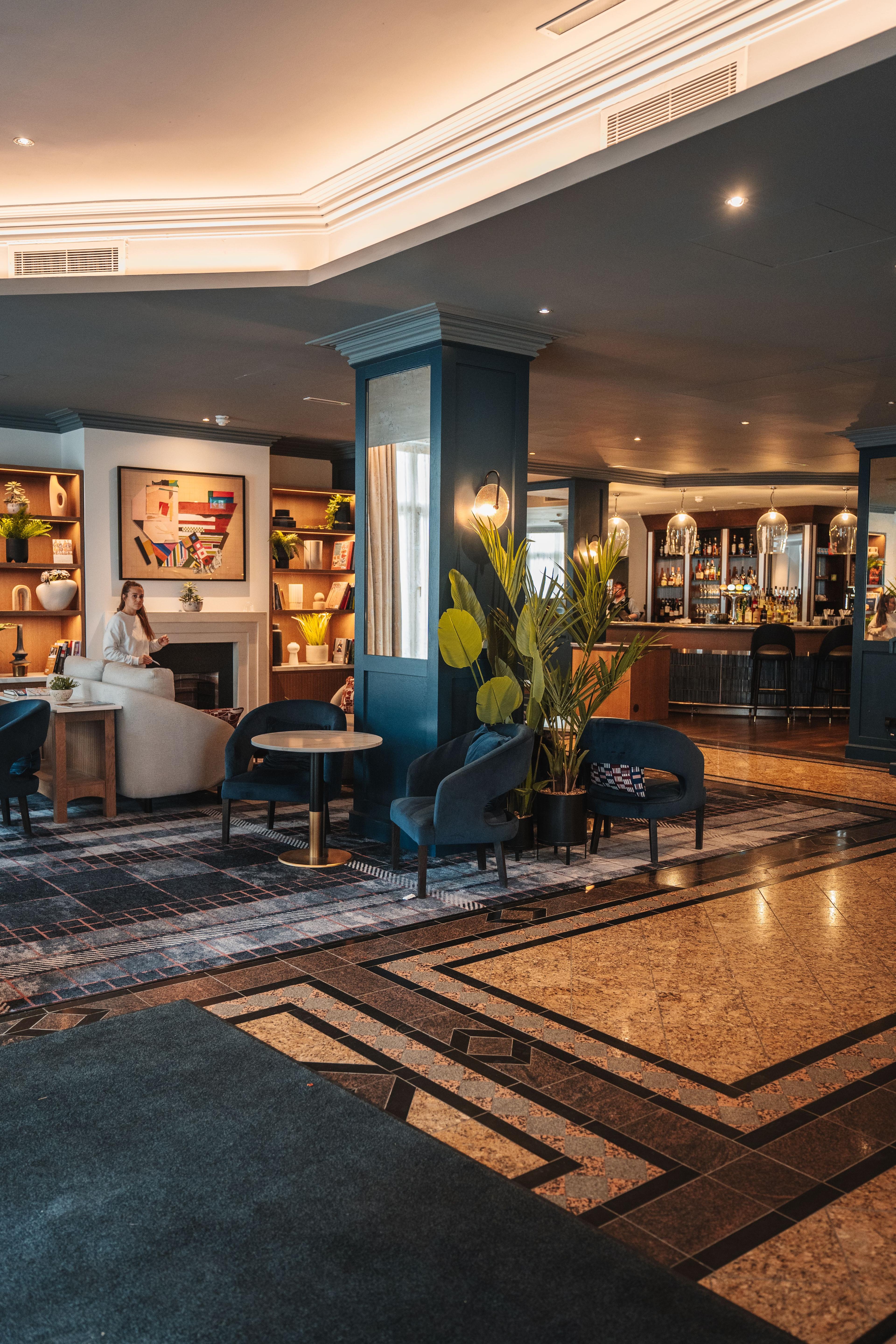
Real-time
event board updates — no reprints, no calls to IT
Automatic
menu dayparting — breakfast, lunch, and dinner schedules
8s
for any presenter to connect in any event space
How it works
Lobby & Events
Live
The board shows tonight's event. Updated this afternoon. By your team.
Your front desk team updates lobby and event screens directly from a browser — no IT ticket, no vendor call, no waiting. Check-in times, event schedules, VIP welcome messages — all published in real time. Time-of-day scheduling means the morning message is different from the evening one, without anyone manually switching.
Restaurant & Spa Menus
Daypart
The menu reflects what you're serving. Not what you served yesterday.
Your restaurant and spa managers update menu boards from any browser. Change a price, add a special, 86 an item — reflected on every board in the outlet within seconds. Dayparting handles the rest: breakfast becomes brunch on weekends, brunch transitions to lunch at noon, happy hour runs itself. Nobody lifts a finger.
Conference & Event Spaces
8 seconds
Any presenter. Any device. Live in 8 seconds. No AV tech required.
Presenters connect wirelessly from any device in seconds — no cables, no adapters, and no AV technician required. Works for corporate clients, wedding parties, and keynote speakers equally. When the event ends, the screen returns to property branding automatically.
Weekend Events
All locations · Starts now
Lobby
Terrace
Spa
Pool Bar
Ballroom
Updated from dashboard · changes instantly
Connect to this screen
Weekend Events
All locations · Starts now
Lobby
Terrace
Spa
Pool Bar
Ballroom
Lobby, Wayfinding & Guest Experience
Every screen is an opportunity to make the stay better.
Welcome VIPs by name on arrival. Display the day's activities on common area screens. Give guests clear wayfinding in a property they've never visited. Your front desk and events teams manage all of it from one browser — in real time, from anywhere on the property.
- ✓Content managed directly by front desk and events teams, no IT required
- ✓Time-of-day scheduling: morning content is different from evening
- ✓Instant VIP welcome messages and group-specific displays
- ✓Property-wide announcements pushed to all common areas at once
- ✓Event content expires automatically when the event ends
Board Room A · 10 seats
Synced with calendar · Shows signage when unbooked
Restaurants, Bars & Spa
Your outlet managers run their own screens. Because they should.
Each outlet manages its own screens directly from a browser. Managers update prices, add specials, and change menu items — changes reflect on every board in the outlet within seconds. Dayparting handles menu transitions automatically — breakfast to brunch, lunch to dinner, happy hour on schedule — without manual intervention.
- ✓Automated dayparting for breakfast, lunch, dinner, and late-night
- ✓Real-time updates for specials and pulled items
- ✓Scheduled happy hour and promotional pricing, automatic
- ✓Network-wide seasonal menu launches from one place
- ✓Instant price changes reflected across all screens in the outlet
Updated from dashboard · changes instantly
Meeting & Event Spaces
Your AV team shouldn't need to stand by for a browser tab.
HelixCast handles screen connections from any device in any event space. Presenters connect in seconds without help. When they disconnect, the screen returns to property branding or the event schedule automatically. Your AV team can focus on audio, lighting, and the things that actually need them.
- ✓Universal browser-based presenting — any device, any OS
- ✓Guest presenters connect without a HelixCast account or credentials
- ✓Integrated room booking and real-time schedule displays
- ✓Automatic return to event branding after presentations end
- ✓Centralized IT management of all event and meeting spaces
Connect to this screen
The platform your property teams will actually use.
We'll show you how HelixCast looks in a property like yours — lobby screens, F&B menus, and event spaces, all in one 20-minute demo.