Your communications team publishes once.
Every waiting room updates. No IT ticket.
From patient-facing waiting areas to staff corridors, every screen in your health system is managed from one place. Your comms team is in control. IT is not the bottleneck.
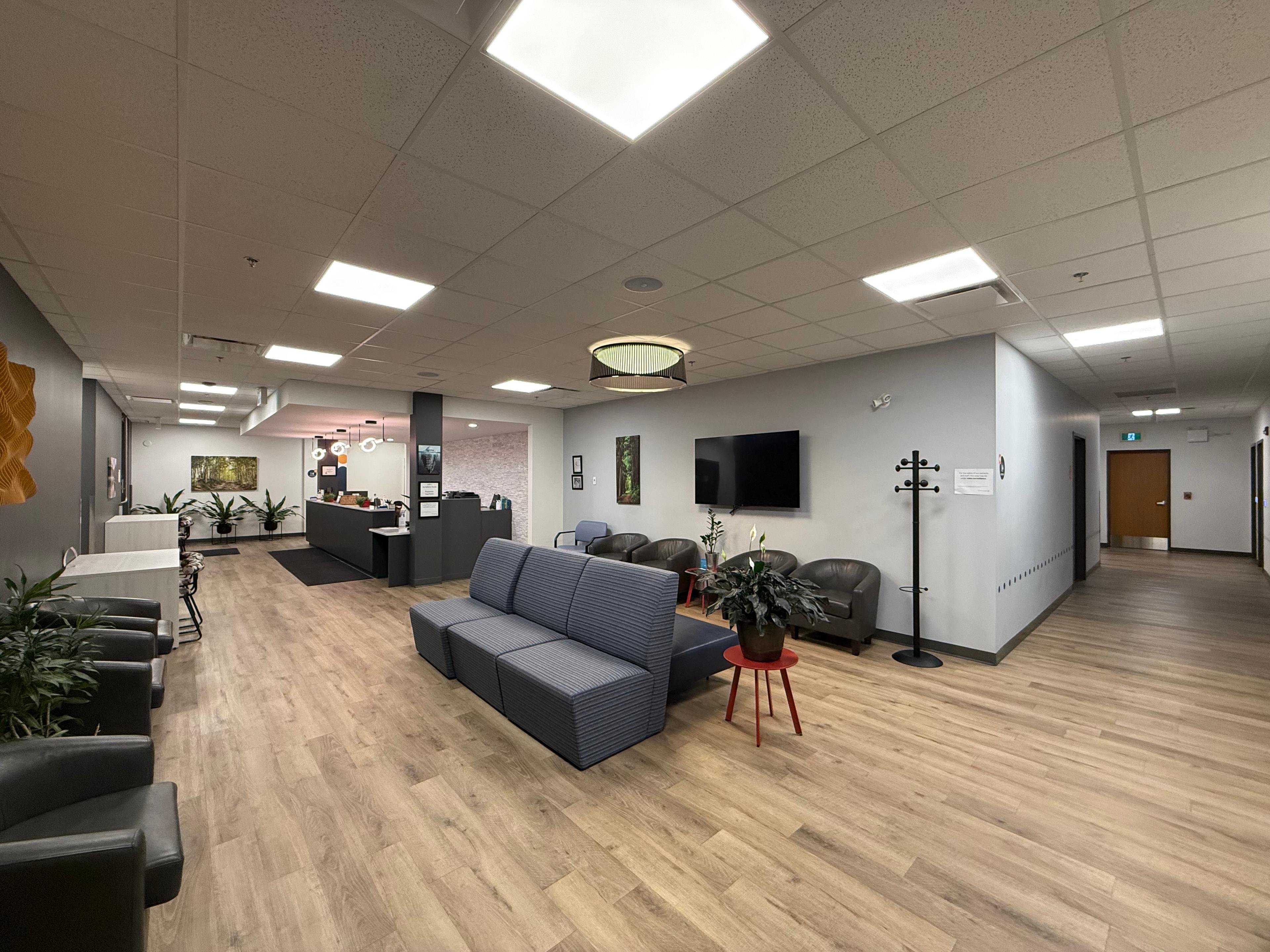
<5s
system-wide alert delivery — every screen, simultaneously
8s
for any clinician to present in any room, on any device
0 tickets
for your comms team to update any screen
How it works
Waiting Rooms & Patient Areas
Live
Patients see current information. Not what was true last week.
Your communications team manages patient-facing screens directly — no IT middleman. Health education, wait times, clinic announcements — published from a browser, live across every facility within seconds. Content is approved centrally and distributed automatically. Stale information isn't a liability anymore.
Staff Corridors & Clinical Areas
Instant
Shift reminders, infection protocols, policy updates — on the screen when they matter.
Your entire clinical team stays aligned without a mass email. Push shift information, PPE requirements, and urgent notices to every corridor screen in every facility at once. Department heads manage their own units. HQ can override everything with a single action when it matters most. Every broadcast is logged.
Conference & Training Rooms
8 seconds
Any physician. Any visiting specialist. Live in 8 seconds.
Any presenter connects wirelessly from any device in seconds — no downloads, no adapters, no IT support required. Works for in-house staff, visiting clinicians, and remote experts equally. When the session ends, the screen returns automatically to the room schedule or facility branding.
Now Serving
A-047
Est. Wait
~8 min
Health Tip
Staying active reduces your risk of Type 2 diabetes by up to 58%.
— Canadian Diabetes Association
Clinic Hours
Announcement
Flu vaccination clinic — every Saturday through November.
Walk-ins welcome · No appointment needed
Content managed by communications team · Updated remotely
Staff Notice
All locations · Starts now
Emergency
ICU
Outpatient
Admin
Pharmacy
Connect to this screen
Now Serving
A-047
Est. Wait
~8 min
Health Tip
Staying active reduces your risk of Type 2 diabetes by up to 58%.
— Canadian Diabetes Association
Clinic Hours
Announcement
Flu vaccination clinic — every Saturday through November.
Walk-ins welcome · No appointment needed
Content managed by communications team · Updated remotely
Patient-Facing Waiting Areas
The waiting room should feel like the rest of your care.
Your communications team schedules and publishes content from a single browser — health education, wait time displays, seasonal clinic announcements. Every screen in every facility shows approved, current information. Location-specific content for each clinic. Time-sensitive scheduling so evening messages are different from morning ones.
- ✓Comms team publishes directly — no IT required for routine updates
- ✓Location-specific content per clinic, department, or waiting zone
- ✓Time-of-day scheduling: morning arrival messaging vs. afternoon content
- ✓Live wait-time integration with patient management systems
- ✓Secure, remote management — no one needs to be on-site
Now Serving
A-047
Est. Wait
~8 min
Health Tip
Staying active reduces your risk of Type 2 diabetes by up to 58%.
— Canadian Diabetes Association
Clinic Hours
Announcement
Flu vaccination clinic — every Saturday through November.
Walk-ins welcome · No appointment needed
Content managed by communications team · Updated remotely
Staff Corridors & Operational Screens
Your internal comms should be as fast as your clinical response.
Push announcements to every facility at once. A tiered permission system lets department heads manage their units while HQ retains override authority for critical notices. Every broadcast is time-stamped and logged — so if a compliance auditor ever asks what was on screen in Pharmacy at 3pm on Tuesday, you have the answer.
- ✓Permissions tiered: network-wide, facility, department
- ✓Instant system-wide broadcasts from a single dashboard
- ✓Department control for local staff announcements
- ✓Immediate override for urgent clinical or compliance notices
- ✓Complete, time-stamped audit trail for every screen
Network Update
All locations · Starts now
St. Paul's
Grace
Children's
Cardiac Centre
Outpatient
Training Rooms & Medical Education
The presenting experience should match the quality of your medicine.
Any presenter connects wirelessly from any device — no adapters, no installs, no IT support calls required. Works for internal staff, visiting clinicians, and remote specialists equally. When the session ends, the screen returns to the room schedule or facility branding automatically.
- ✓Universal browser-based connection — any laptop, any OS
- ✓Guest presenters connect without network credentials or an account
- ✓Integrated room booking and calendar displays
- ✓Automatic return to scheduled content when the session ends
- ✓Centralized IT oversight of all training rooms from one dashboard
Connect to this screen
Healthcare communications that keep pace with your team.
We'll show you how HelixCast works in a health system like yours — patient-facing displays, staff corridors, and training rooms, all in one 20-minute demo.